
N8N – Self-host with Docker- Postgresql, Redis, and Caddy

Self-Hosted N8N – Github Repo

I recently created a Selfhosted N8N Git repository that allows me to share with my team (and use for myself) a self-hosted N8N instance. I can run it locally or in the cloud, using Docker, PostgreSQL, Redis, and Caddy.

Why n8n?

n8n is an amazing tool for automation. Out of the box, it lets you:

  • Automate workflows between services
  • Build ETL pipelines
  • Integrate AI into real business processes

The cloud service at n8n.io is fantastic if you want quick hosting without infrastructure concerns. But for teams (like ours) who need flexibility, control, and data locality, self-hosting is the way to go.

Why Self-Host n8n?

Self-hosting n8n gives you:

  • Full control over data, architecture, and cost
  • Private integrations with internal systems behind your firewall
  • Compliance alignment with industry and client requirements
  • Scalability with predictable spend—no surprise usage bills
  • Flexibility to customize: enable community nodes and MCP tools for AI workflows

With Docker deployment is straightforward, and you can automate updates, add resilience, and build consistency across local and production environments.

My Setup

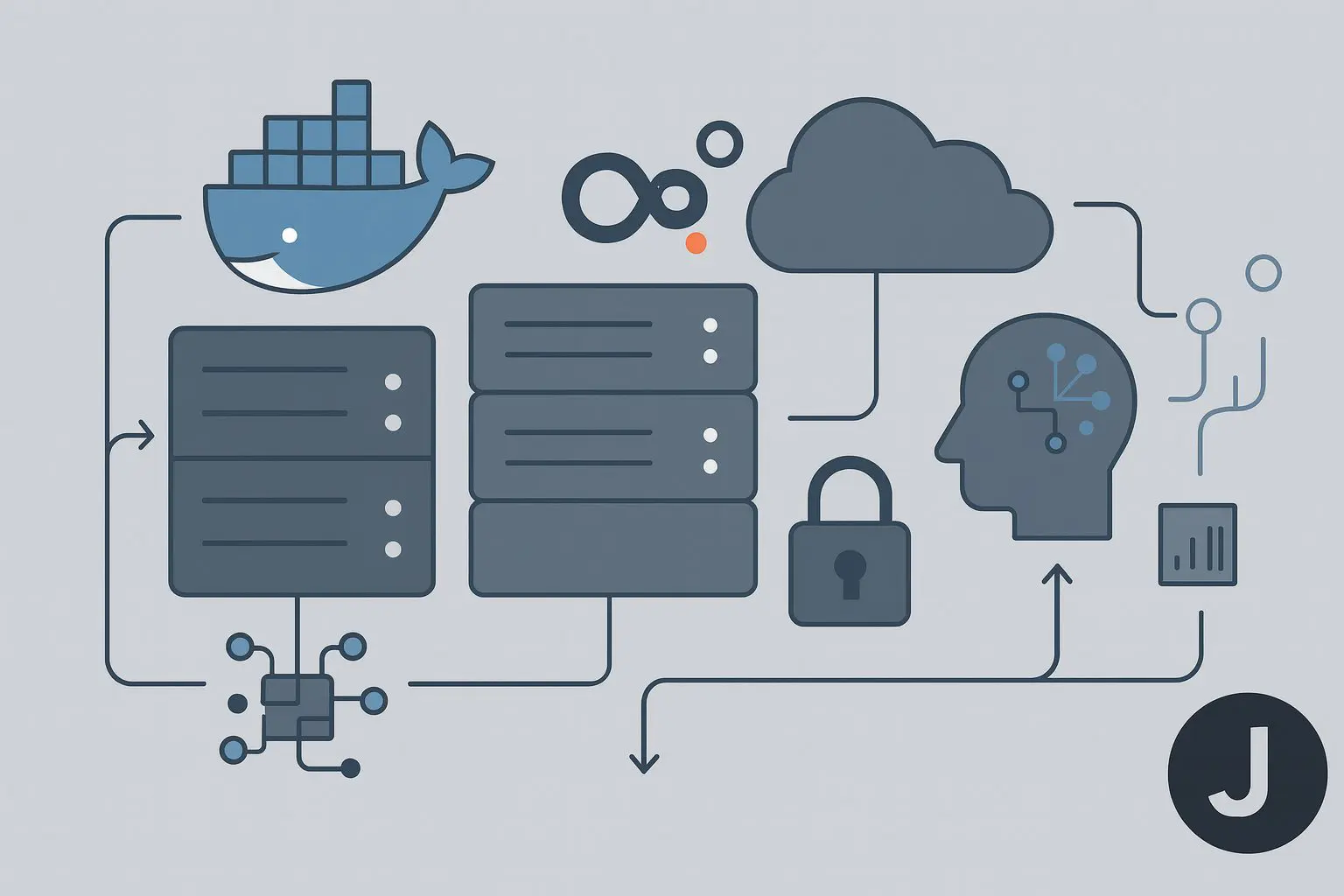
I’ve created an open-source repo that includes everything you need to spin up n8n with Docker, PostgreSQL, Redis, and Caddy.

👉 jimiz12/n8n-docker-postgresql

This setup provides:

  • PostgreSQL for persistence
  • Redis for queue handling
  • Caddy for HTTPS and reverse proxy
  • Profiles for local development vs. production

Prerequisites

Before you get started, make sure you have:

Local Development

Spin up n8n locally in seconds:

git clone https://github.com/jimiz12/n8n-docker-postgresql.git

cd n8n-docker-postgresql

docker compose up -d

Open http://localhost:5678.

This gives each developer a safe environment to build and test automations without touching production.

Production with Caddy

When you’re ready for production:

docker compose --profile prod up -d

Set environment variables:

N8N_HOSTNAME=n8n.jimiz.net [email protected]

Caddy automatically provisions HTTPS certificates and renews them.

Why Caddy?

  • Zero-config HTTPS
  • Lightweight reverse proxy
  • Automatic certificate renewals

Secure Access with Cloudflare Tunnels

For Personal use, I use Cloudflare Tunnels to securely expose n8n without opening firewall ports.

    • Benefits:
    • Secure public access
    • Encrypted by default
    • No firewall reconfiguration required

Backups Matter

Workflows are business-critical. In addition, any breaking changes deserve a nice backup. This repo includes scripts to back up:

  • PostgreSQL data
  • Redis state
  • n8n configs and credentials
  • Caddy certificates

Run backups manually:

make backup

Or automate via cron.

Team + Client Workflow

This setup allows us to:

  • Develop locally – fast iteration on workflows. The team can quickly run a Docker Compose script and start using the n8n
  • Deploy to production – same config, hardened with Caddy and Cloudflare
  • Share with clients – easy for IT teams to adopt, secure out of the box

Wrapping Up

N8N is a workhorse for AI, automation, workflow orchestration, and ETL. While the hosted version at n8n.io is excellent, self-hosting gives you control, flexibility, and predictable scaling.

With Docker Compose, PostgreSQL, Caddy, and Cloudflare Tunnels, you can run the same setup locally and in production, backed by a strong backup strategy.

Check it out here: jimiz12/n8n-docker-postgresql

Leave a Comment